Enabling both the Developer tab and VB macros when using Excel 2007
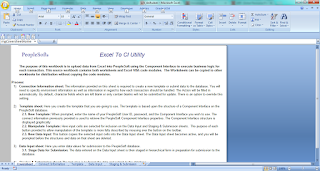
Below are instructions on enabling both the Developer tab and VB macros when using Excel 2007. Additionally, attached is a Word document with screenshots showing the same basic steps, providing the reader with a better visual representation of what the steps look like. A. Enabling the Developer Menu in Microsoft Excel 2007 - The Developer menu in Microsoft Excel contains options to work with Microsoft Visual Basic, macros, sheet properties, and so on. In Microsoft Excel 2007 the Developer menu is not automatically enabled and does not appear on the menu ribbon in the default view of the Excel workspace. In prior versions of Microsoft Excel supported for use with the ExcelToCI utility, and the Developer menu appears by default. To use the Excel to Component Interface utility you need access to some of the features accessed through the Developer menu, and therefore you must enable the menu. Once enabled, the Developer menu appears on the far right on the menu ribbon. To ena...